
EagleEyes and software
Install VideoViewer (Mac)
How Can We Help?
Install VideoViewer (Mac)
This is a simple guide on how to install VideoViewer on your Mac computer. You can use VideoViewer to look up IP addresses for your surveillance system or IP camera to enable access on your phone via the EagleEyes app.
- Start by going to our homepage and the "Software for download" page
- Download "VideoViewer for Mac" by clicking on the link

- Go to your downloaded files, locate "setup_mac.zip" and open the file (you are now unpacking the file)

- Open the unpacked folder and open the installation file "VideoViewer ins..."

- If an alert window comes up, select "Open"

- Install the application following the on-screen instructions
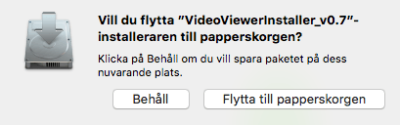
- Once the installation is complete, you can choose to delete the installation file
- VideoViewer is now ready to use!
